From a first idea to a final cut.
Work with an AI editing partner. Take the controls when you want to. Make a video that feels unmistakably yours.
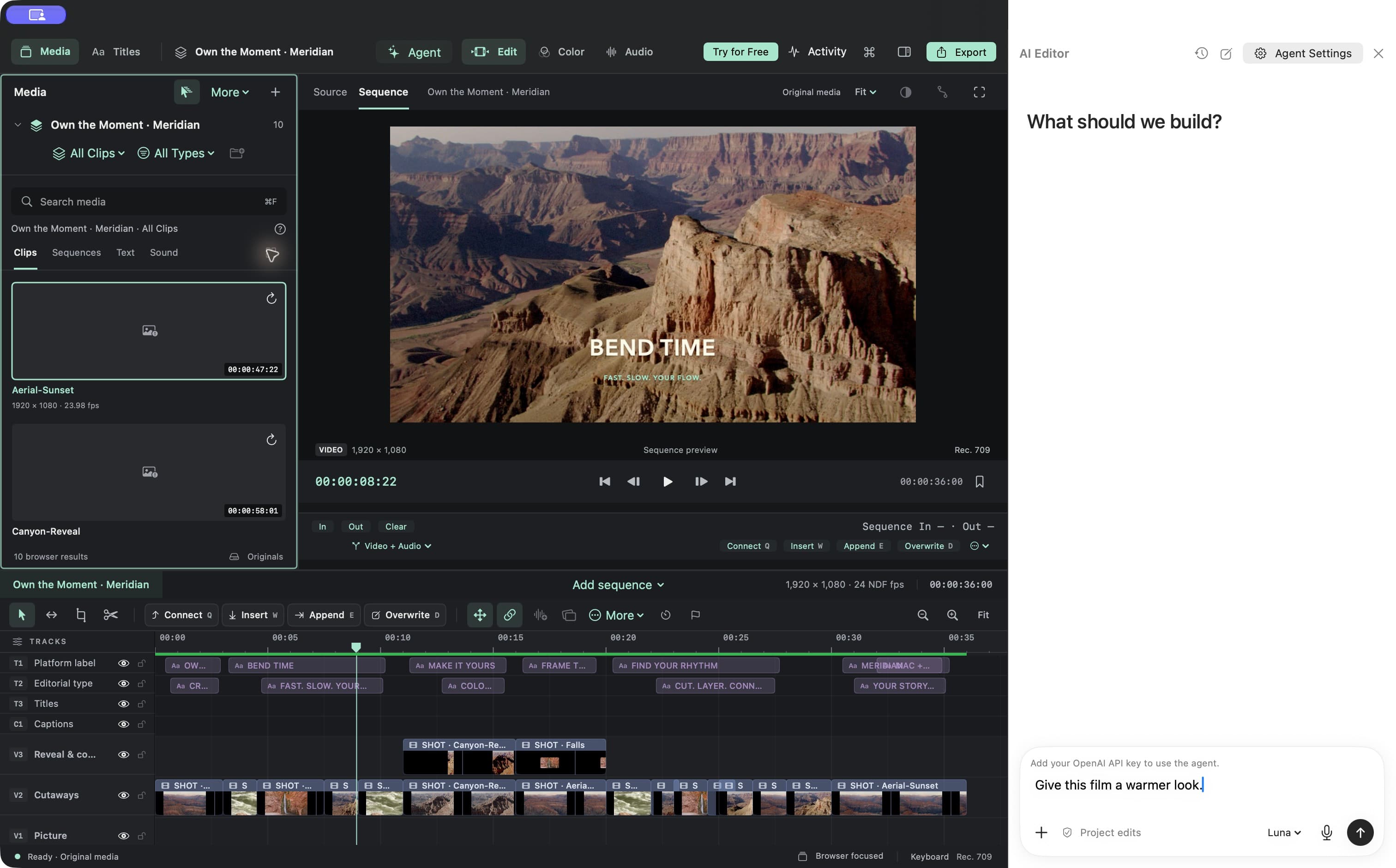
Give it direction. Keep your vision.
Describe the film you want to make. Ask Meridian’s agent for cuts, titles, color changes, sound adjustments, or another version. Follow up in the same chat as your idea develops.
- Real edits on your project’s timeline
- Follow-up requests and changes you can undo
- Creative briefs, alternate versions, and finishing touches
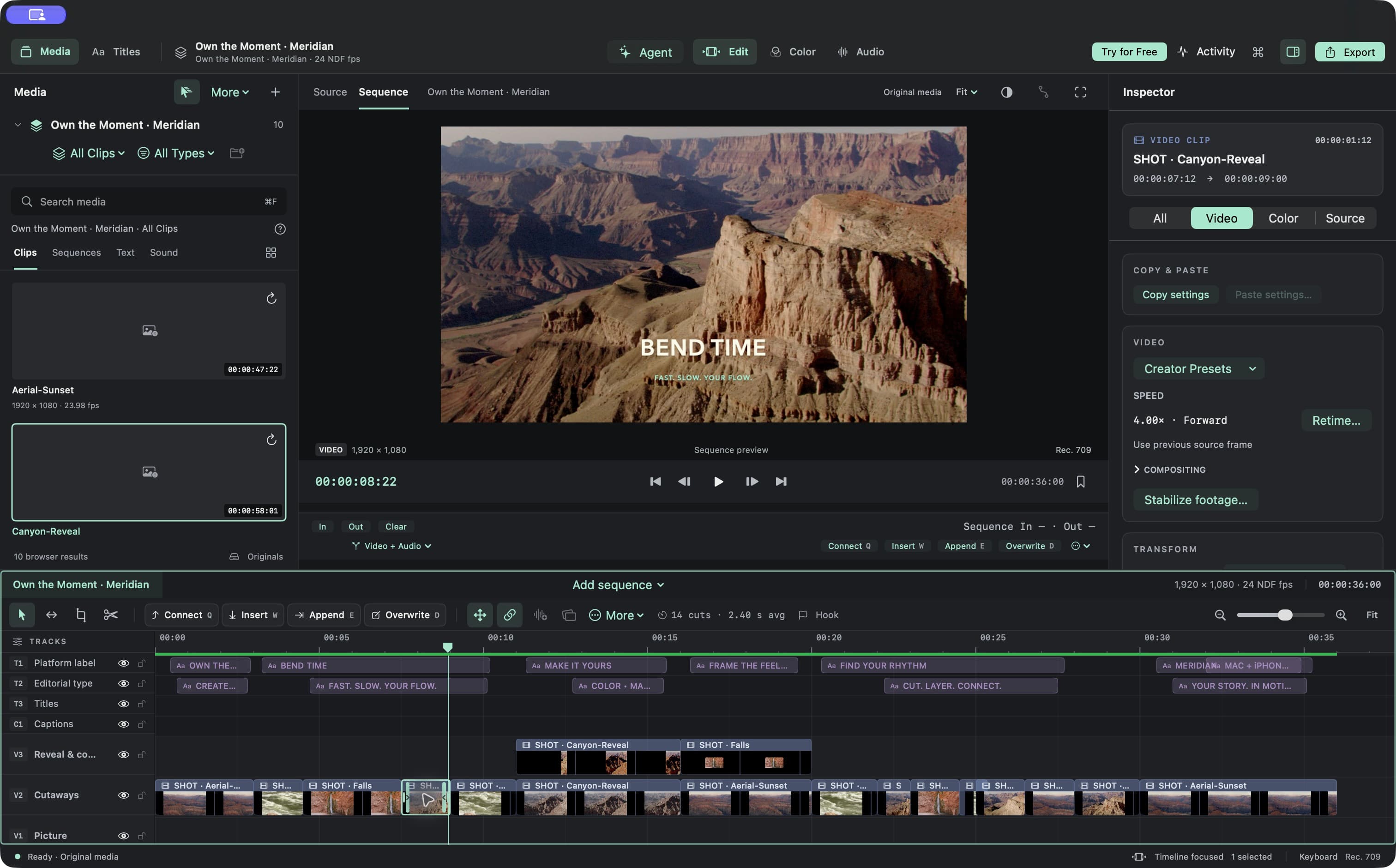
Keep the good parts. Find the rhythm.
Shape a story your audience wants to stay with. Make precise cuts, layer B-roll, and give the best moments space to land.
- Frame-level trimming and multitrack editing
- Speed changes and animated transforms
- Named versions to explore a different direction
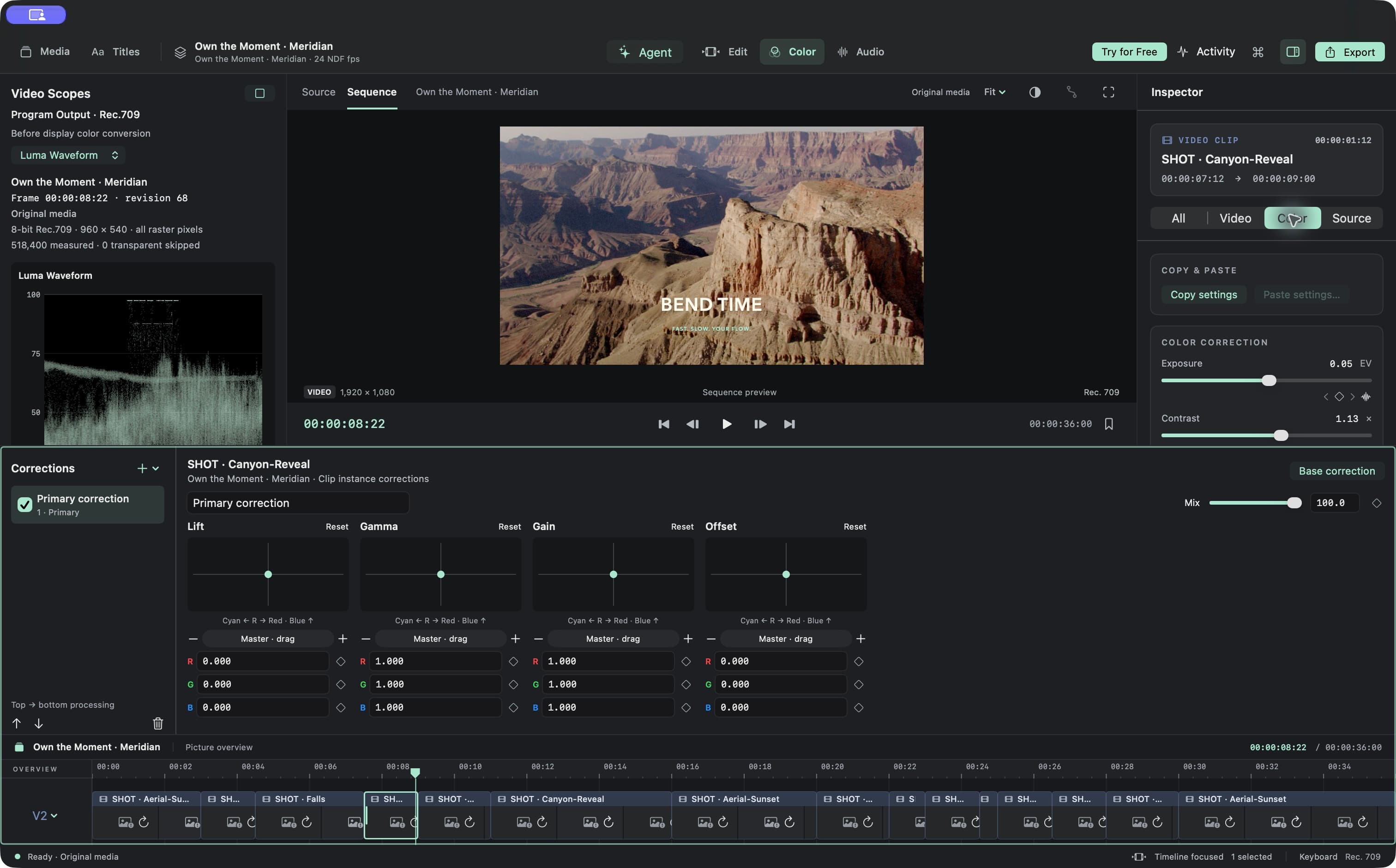
Make the mood yours.
Bring shots together and give your film a visual identity. Go from a subtle balance to a stronger look with editable color controls.
- Exposure, contrast, saturation, and curves
- LUTs, scopes, and shot matching
- Masks and secondary adjustments
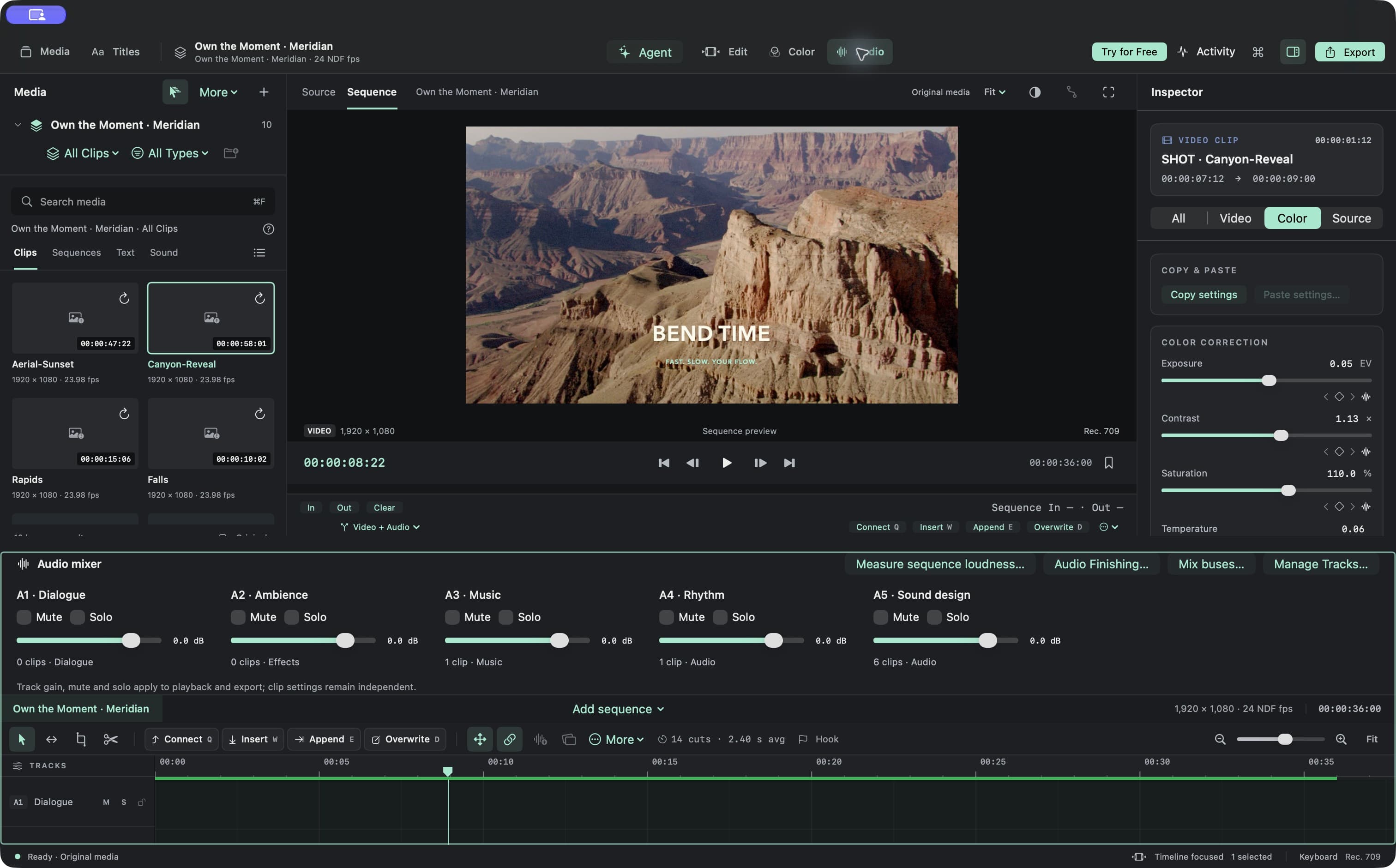
Make every beat belong.
Let dialogue lead and music lift the moment. Adjust levels, ease into a scene, and finish with a mix that supports the picture.
- Clip and track levels, fades, and ducking
- EQ, dynamics, routing, and automation
- Loudness measurement and audio export
Put your message in the frame.
Introduce a story, name a speaker, or make dialogue easier to follow. Keep your typography, timing, and captions editable.
- Titles, lower thirds, and keyframed animation
- On-device caption generation with review
- Caption styling and subtitle delivery
Big screen. Small screen. Your story.
Finish a landscape film, then make a portrait cut for Shorts and social. Choose your delivery settings and queue the versions you need.
- Independent portrait and alternate-format sequences
- H.264, HEVC, and ProRes delivery options
- Unlimited exports with a Meridian subscription
Exports and advanced AI editing require a Meridian subscription. AI editing is available on Mac, requires your own API key, and incurs separate usage charges. Supported media and caption languages depend on your device.
What will you make next?
Coming soon to the Mac App Store.
Coming soon to the Mac App Store